


Memory Card Buying Guide: SD, microSD & CFexpress Explained
Posted by Photogear on 14th Sep 2026
Memory cards, decoded.
SD, microSD, CFexpress Type A and CFexpress Type B: what the numbers on the card actually mean, and exactly which speed class your camera needs.
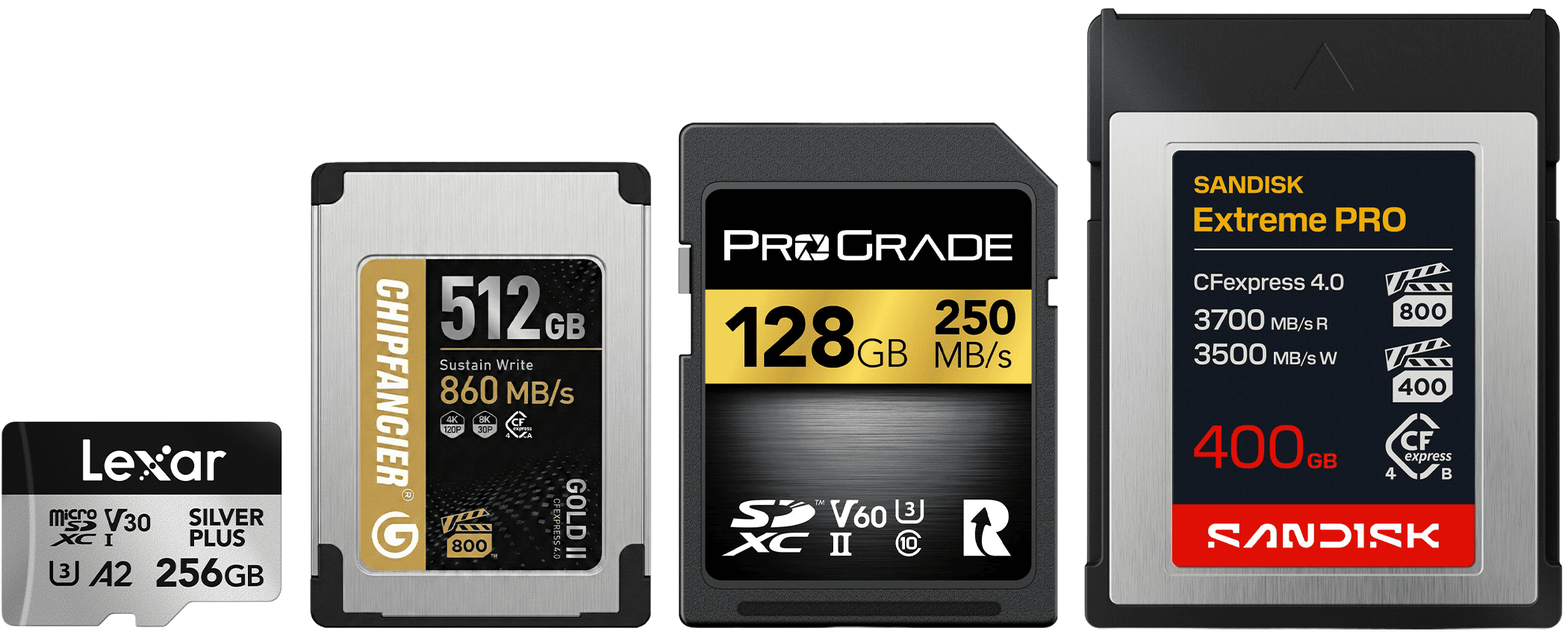
Every camera takes a specific memory card, and each one has its own way of describing how fast that card actually needs to be. Get the type wrong and it simply won't fit the slot. Get the speed wrong and you'll drop frames, stall your buffer mid-burst, or pay for far more card than you'll ever use. This guide walks through what SD, microSD and CFexpress cards mean in practice, what the speed classes and numbers printed on the card translate to in the real world, and roughly how much card, in both speed and capacity, is genuinely worth buying for what you shoot. Before you buy, it's worth checking the Specifications section on your camera's product page, or its manual, so you know exactly which card type and minimum speed it calls for.
An entry-level card is genuinely enough if you only shoot stills. Serious 4K, 6K or 8K video, or fast continuous bursts, is where faster cards earn their keep.
The card type, SD, microSD or CFexpress, is decided entirely by your camera, not by preference, so start there, speed and capacity come next.
Which card does your camera need?
Start with what your camera actually takes, that decides the card type before speed even comes into it. Tap through to the section that matches your gear.
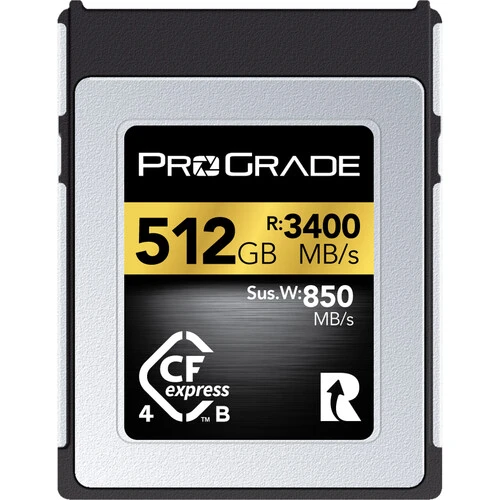
Most professional mirrorless and cinema cameras from Canon, Nikon, Panasonic, Fujifilm
Check your specifications on our website or your camera's manual. If you're not sure, reach out to the team.
Understanding the numbers
Two separate sets of numbers show up whenever you're choosing a card: how much it holds, and how fast it is.
Capacity is measured in gigabytes (GB) or terabytes (TB), where 1TB is 1,000GB. It's the simple half of the equation, more GB means more photos or more recording time, and, almost always, a lower cost per GB the bigger the card gets. Buying one larger card is nearly always better value than carrying two smaller ones of the same speed.
Speed is where it gets confusing, because camera makers and card makers quote it in two different units. A camera's video bitrate is usually given in megabits per second (Mbps), while a card's read and write speed is given in megabytes per second (MB/s). A byte is 8 bits, so 1MB/s is 8 times faster than 1Mbps. To work out the actual card speed a bitrate needs, divide by 8: a 300Mbps video mode needs 37.5MB/s of sustained write speed (300 ÷ 8 = 37.5), comfortably covered by a card rated at 180MB/s or faster. Add a bit of headroom to that number too, manufacturer bitrate figures are usually rounded rather than exact, and if your camera's bitrate varies, base the calculation on its peak rather than its average.
SD Cards
Found in most DSLRs, mirrorless cameras, camcorders and audio recorders.
SD covers three capacity tiers under one name, standard SD (up to 2GB), SDHC (4GB-32GB) and SDXC (64GB up to 2TB), all using the same physical card and the same speed ratings below. It's the most common card format in cameras today, and the one with the widest range of speeds and prices to choose from.
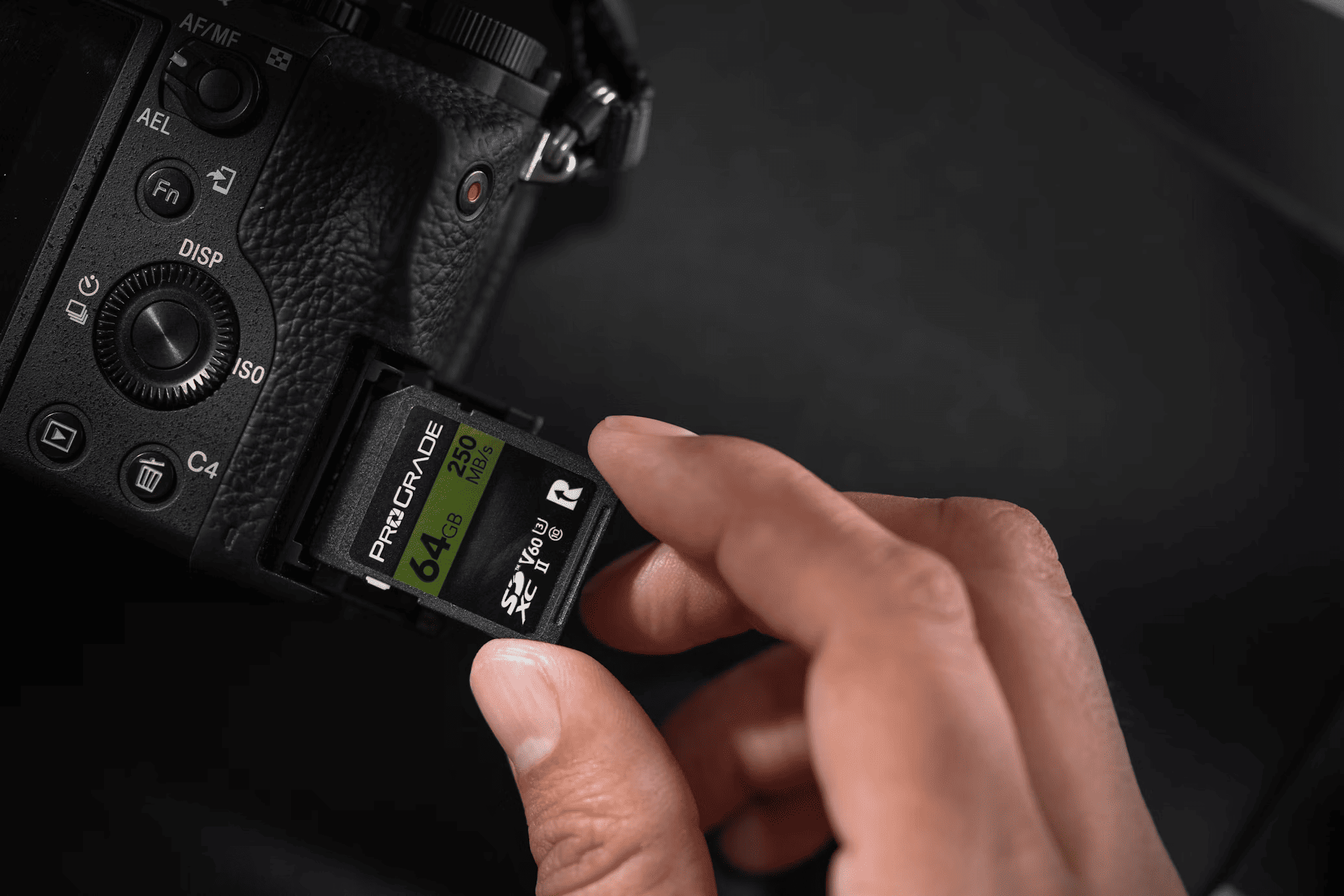
The bus: UHS-I vs UHS-II
Every SD card runs over one of two interfaces. UHS-I tops out at a theoretical 104MB/s. Some UHS-I cards are marketed at 170MB/s or even 200MB/s, that comes from a proprietary fast mode that isn't part of the official SD spec, and only works if your camera or card reader specifically supports it too, so treat those higher figures as best-case rather than guaranteed. UHS-II adds a second row of pins on the back of the card and can reach up to roughly 312MB/s, a genuinely faster and more dependable interface once your camera supports it.
The speed class: what V30, V60 and V90 mean
The number after the V is the card's minimum sustained write speed in MB/s, the speed it guarantees it won't drop below, not just a best-case burst figure. You'll also still see Class 10 or U1 (both mean a 10MB/s floor) and U3 (a 30MB/s floor, the same number as V30 under an older ratings system) printed on some cards.
- Get a V30 card (or Class 10/U1) if you mainly shoot stills, or casual 1080p to 4K video. It's genuinely enough, there's no reason to pay more.
- Get a V60 card if you shoot a mix of stills and 4K video, or shoot fast continuous bursts and want the camera's buffer to clear faster between shots.
- Get a V90 card if you're shooting serious 4K at high frame rates, 6K or 8K video, or continuous RAW bursts on a high-resolution professional body. This is where a slower card can genuinely cause dropped frames or a stalled buffer.
Still not sure which speed class you need? Get in touch, or pop into our Mt Eden store, the team's happy to help you find the right card.
How much capacity
128GB comfortably covers a full day of stills or an hour or so of 4K video. 256GB to 512GB suits anyone shooting video regularly, or RAW stills in volume. 1TB and above make sense once you're shooting RAW video, or simply don't want to think about swapping cards mid-shoot. Because cost per GB drops as capacity rises, buying one larger card is nearly always better value than carrying several smaller ones at the same speed.
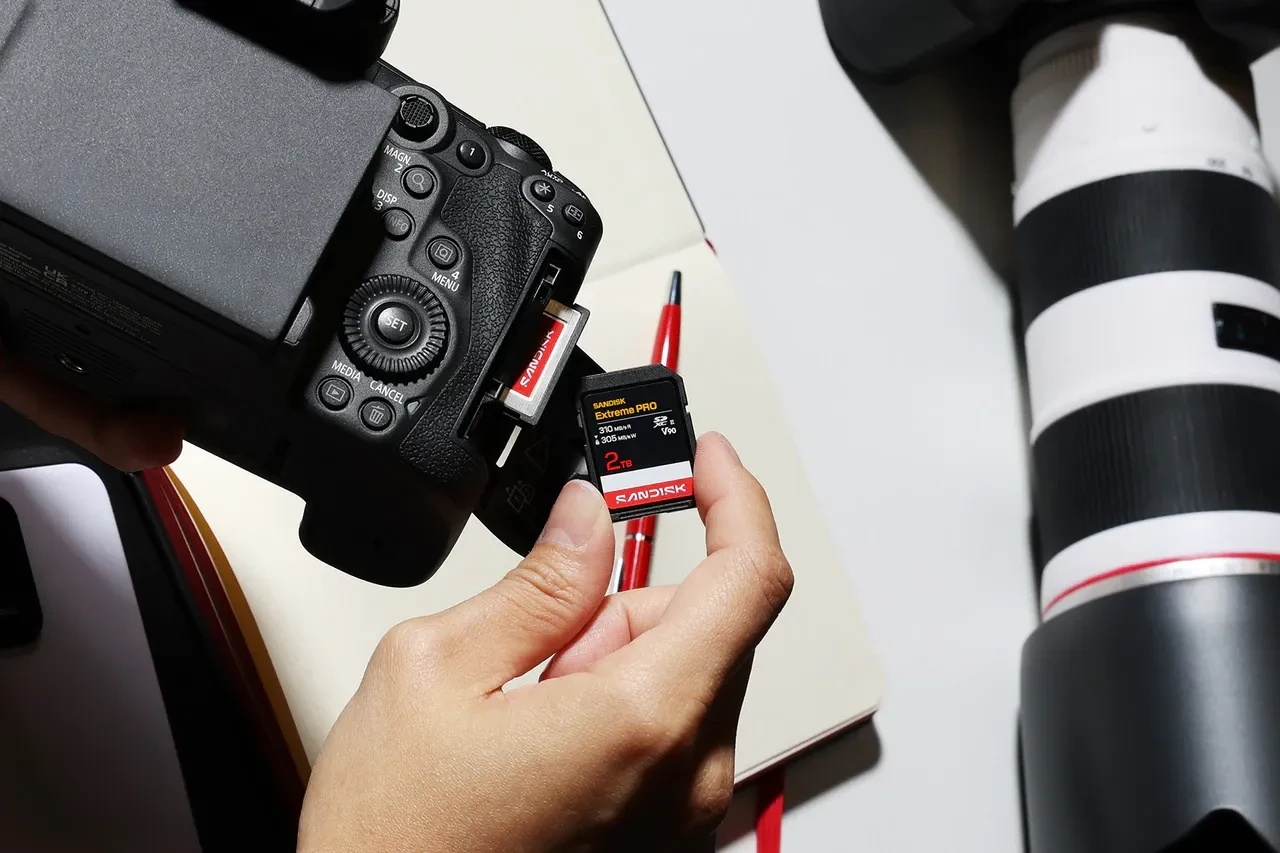
SanDisk is the name most people already know, and stocks the broadest SD range from budget through to V90. ProGrade Digital and Lexar both frequently undercut SanDisk at the same speed and capacity, worth comparing before defaulting to the biggest name. Angelbird's SD cards are priced a step above the mainstream brands, and ADATA covers the budget end with UHS-I cards up to V30. ChipFancier also sells a couple of V90 SD cards, though at 256GB and 512GB they're priced above the ProGrade V90 pick below rather than undercutting it.
A few real options across the three tiers below, look at the sustained write speed (the number next to the V) as you move up, that's the figure that actually matters for video.

SanDisk Extreme PRO 128GB UHS-I V30
V30, UHS-I, up to 250MB/s read / 120MB/s write.

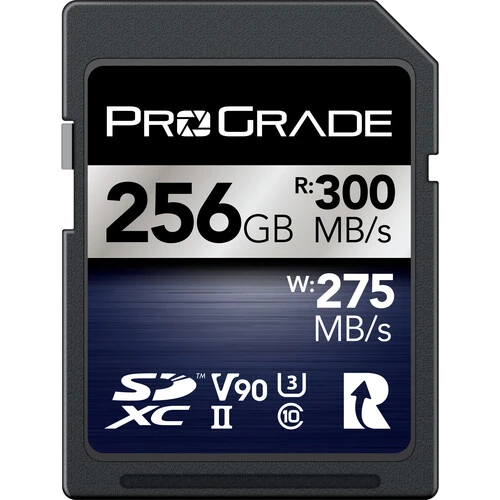
ProGrade Digital 256GB V90 UHS-II SDXC Iridium
V90, UHS-II, up to 300MB/s read / 275MB/s write.
microSD Cards
Found in action cameras, drones and 360° cameras.
microSD runs on exactly the same speed-class system as full-size SD, Class 10/U1, U3, V30, V60, V90, UHS-I and UHS-II all apply here too, just in a smaller physical format (most ship with a full-size SD adapter included). What changes is how much the right choice depends on the specific device it's going into.

360° cameras
For 360° cameras, especially 8K, we recommend at least a V60 card and buying generously, 256GB or more. The Insta360 X6, for example, specifies a genuine UHS-I, V30 card as the minimum, but 120-megapixel stills and 8K360° video at 50fps generate a lot of data fast, and V30 is a floor, not a comfort margin.
Action cameras, drones and everything else
Mainstream 4K action cameras list V30 as their standard minimum, and it's genuinely enough for most 4K shooting. Most consumer drones also call for V30, so the real lever for a drone card is capacity rather than raw speed, long flight sessions add up fast, and running out of space mid-flight is the more common problem than the card being too slow. Dash cams, basic point-and-shoots, and voice or audio recorders rarely need more than Class 10/U1, there's no reason to pay for a faster card those devices can't take advantage of.
SanDisk, ProGrade Digital, Lexar and Angelbird all carry a full V30/V60 microSD range. ADATA covers the budget end. ChipFancier doesn't currently stock microSD with us.
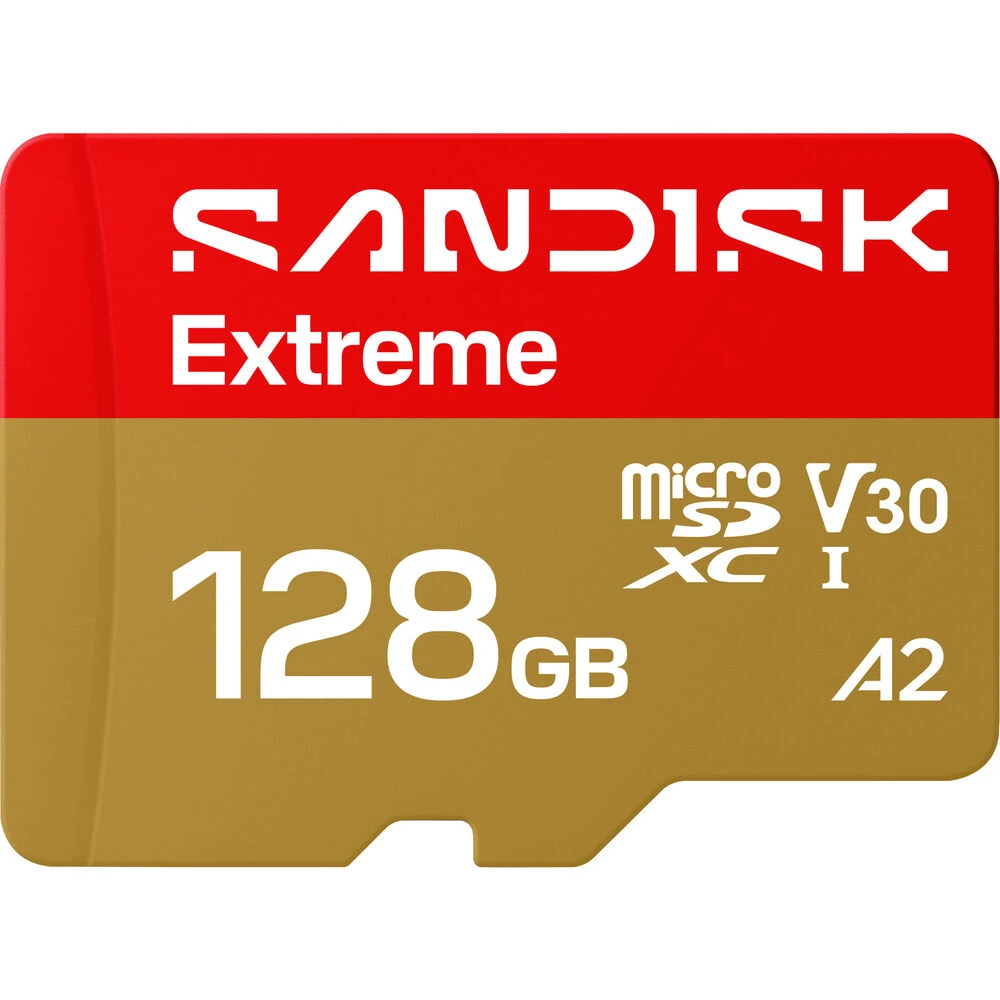
SanDisk Extreme 128GB UHS-I V30 microSDXC
V30, UHS-I, up to 245MB/s read / 120MB/s write. SD adapter included.

ProGrade Digital 128GB UHS-II V60 microSDXC
V60, UHS-II, up to 250MB/s read / 130MB/s write. SD adapter included.

Angelbird 128GB AV Pro UHS-II V60 microSDXC
V60, UHS-II, up to 280MB/s read / 160MB/s write. SD adapter included.
CFexpress Type A
Sony's own format, built into its a9, a1, a7-series and FX cinema cameras.
CFexpress cards use the same PCIe and NVMe technology found in modern SSDs, rather than the SD card's older bus, which is why even the smaller Type A format comfortably outpaces the fastest SD card.
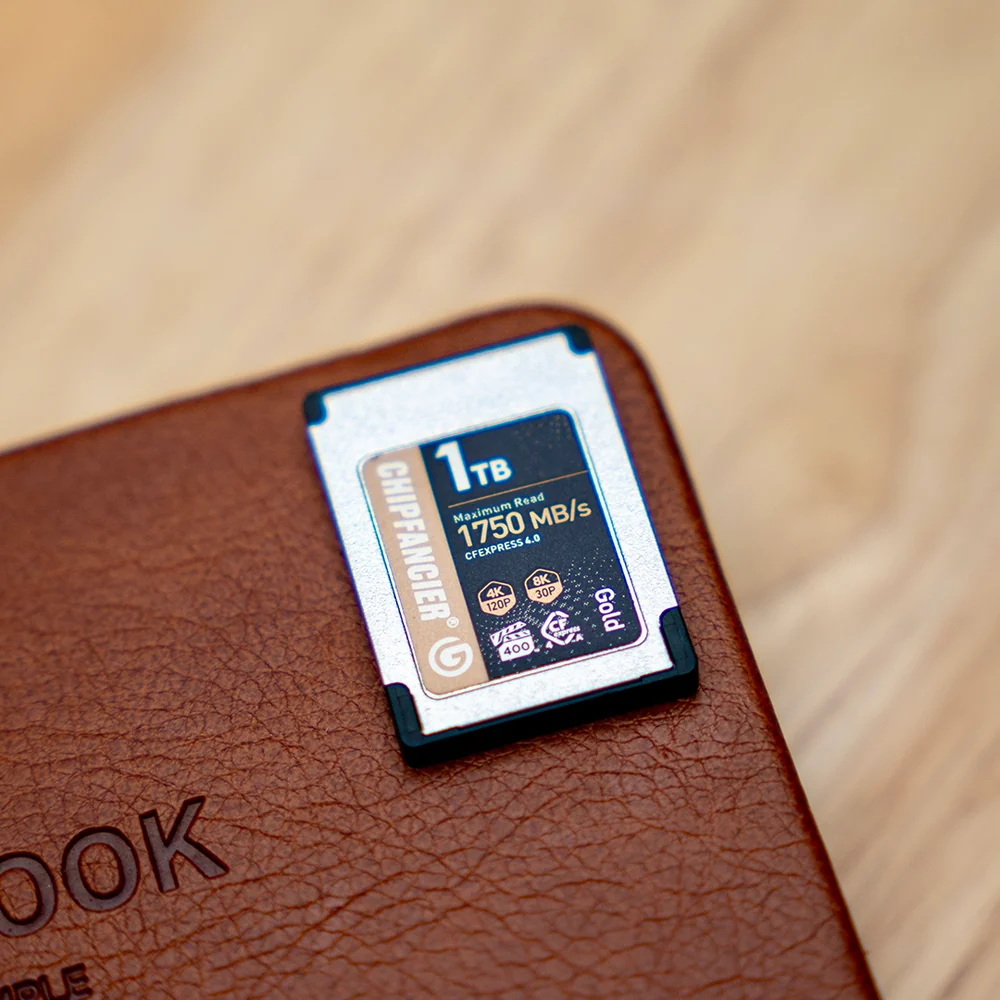
CFexpress 2.0 vs 4.0
CFexpress 2.0 cards run on PCIe Gen 3 and top out around 1,000MB/s for Type A. CFexpress 4.0 doubles that to roughly 2,000MB/s, running on PCIe Gen 4. Both generations are still sold side by side, check which your camera actually supports before paying extra for 4.0 speeds it can't use.
How much capacity
480GB is a sensible starting point for high frame rate burst shooting or 4K video. 1TB or more suits anyone shooting 8K video or extended bursts and wanting to avoid swapping cards mid-shoot.
Lexar and ProGrade Digital both carry a full range of CFexpress Type A cards. ChipFancier is worth a specific look here too, its Type A cards are consistently among the cheapest per GB we stock at 512GB and above, and come with a limited lifetime warranty.
SanDisk and Sony also sell CFexpress Type A cards, but at a steep premium, roughly double the cost per gigabyte of the cards below, without a real jump in speed to justify it. Sony's own-brand cards cost even more again and run on the older, slower PCIe 3.0 bus. Worth knowing if you spot either elsewhere and wonder why the price looks so different.

Lexar 256GB Professional SILVER CFexpress 4.0 Type A
CFexpress 4.0, up to 1,750MB/s read / 1,650MB/s write.

ProGrade Digital 480GB CFexpress 4.0 VPG 200 Type A
CFexpress 4.0, up to 1,800MB/s read / 1,700MB/s write.
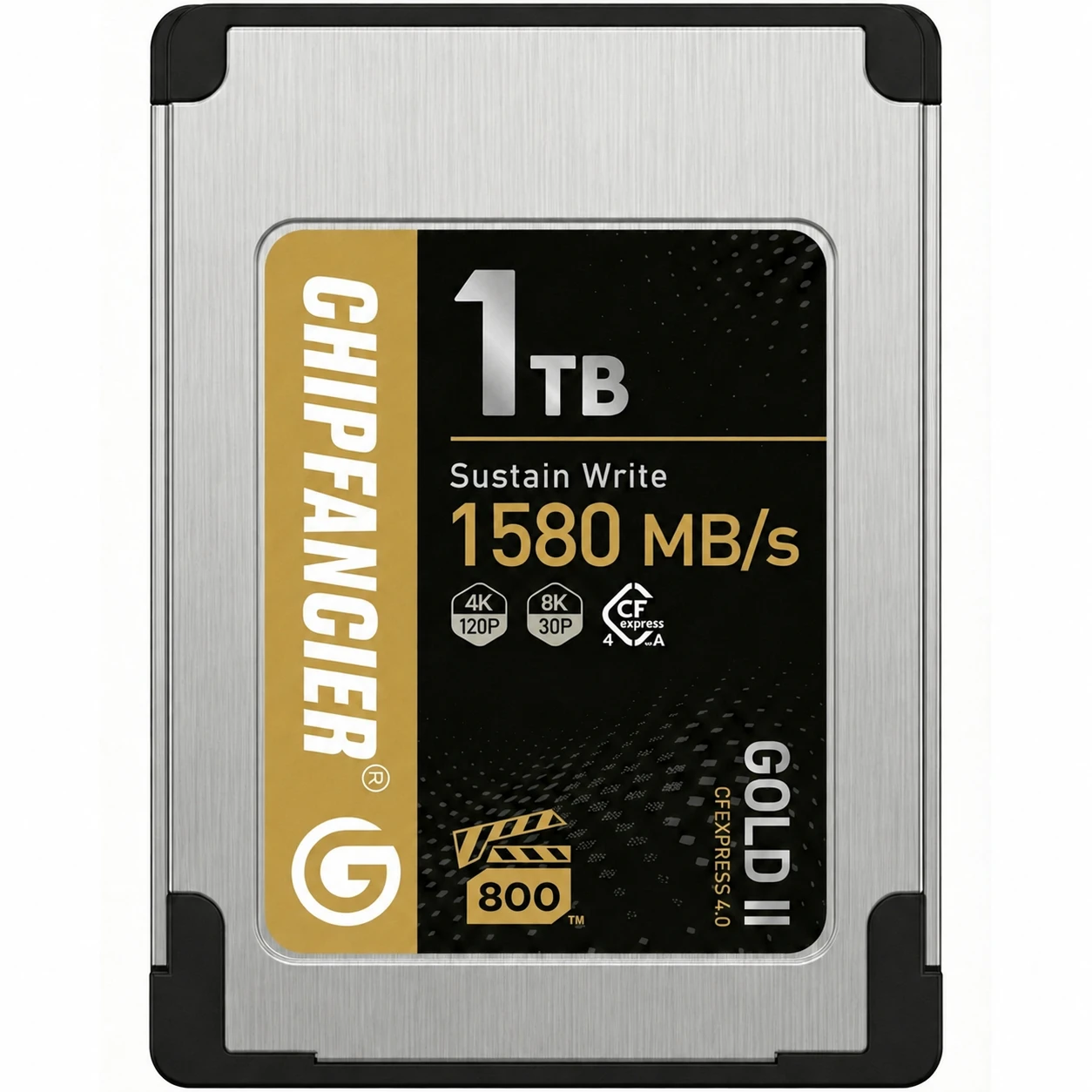
ChipFancier 1TB CFexpress Type A 4.0 GOLD II
CFexpress 4.0, up to 1,580MB/s write. Limited lifetime warranty.
CFexpress Type B
The format behind most high-end photography and cinema cameras, Canon's R-series, Nikon's Z-series, Panasonic, Fujifilm's GFX and X-H bodies, and most cinema cameras from RED.
Type B is physically larger than Type A and runs on two PCIe lanes instead of one, the structural reason it's roughly twice as fast as Type A at the same generation. The same 2.0 vs 4.0 split applies here: 2.0 tops out around 2,000MB/s, 4.0 doubles that to roughly 4,000MB/s, and both generations are still sold side by side.
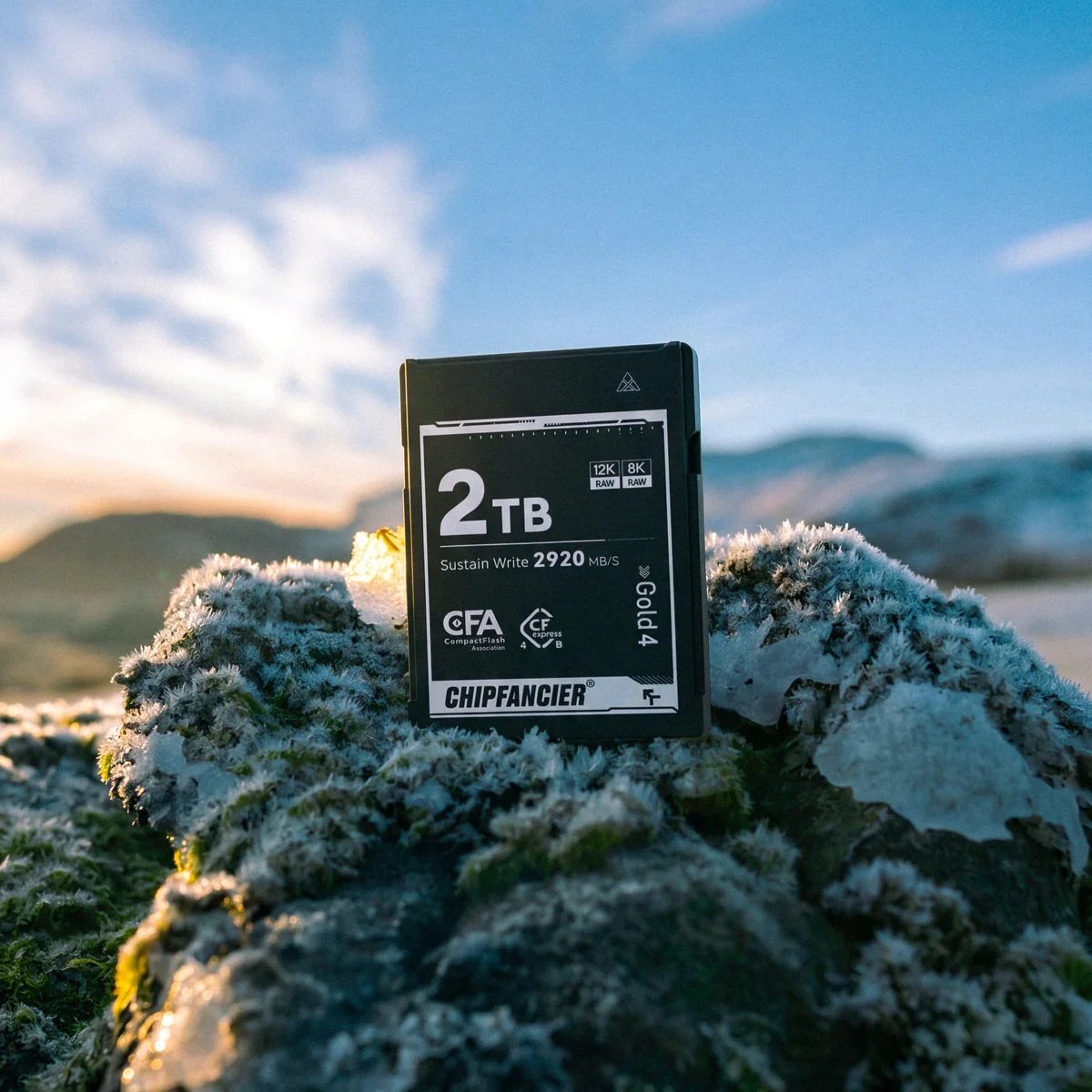
How much capacity
1TB is a comfortable working size for high-resolution stills and 4K/6K video. 2TB and above suit longer 8K or RAW cinema workflows where swapping cards mid-shoot genuinely isn't an option.
SanDisk, Lexar, ProGrade Digital and Angelbird all carry a full CFexpress Type B range. This is where ChipFancier makes its strongest case: at 1TB and 2TB, it's consistently the cheapest per GB of any brand we stock, at the same top-tier speed as cards costing close to double, backed by a limited lifetime warranty.
ProGrade Digital 512GB CFexpress 4.0 Type B Gold
CFexpress 4.0, up to 3,400MB/s read / 3,000MB/s write.

SanDisk 1TB Extreme PRO CFexpress 4.0 Type B
CFexpress 4.0, up to 3,700MB/s read / 3,500MB/s write.
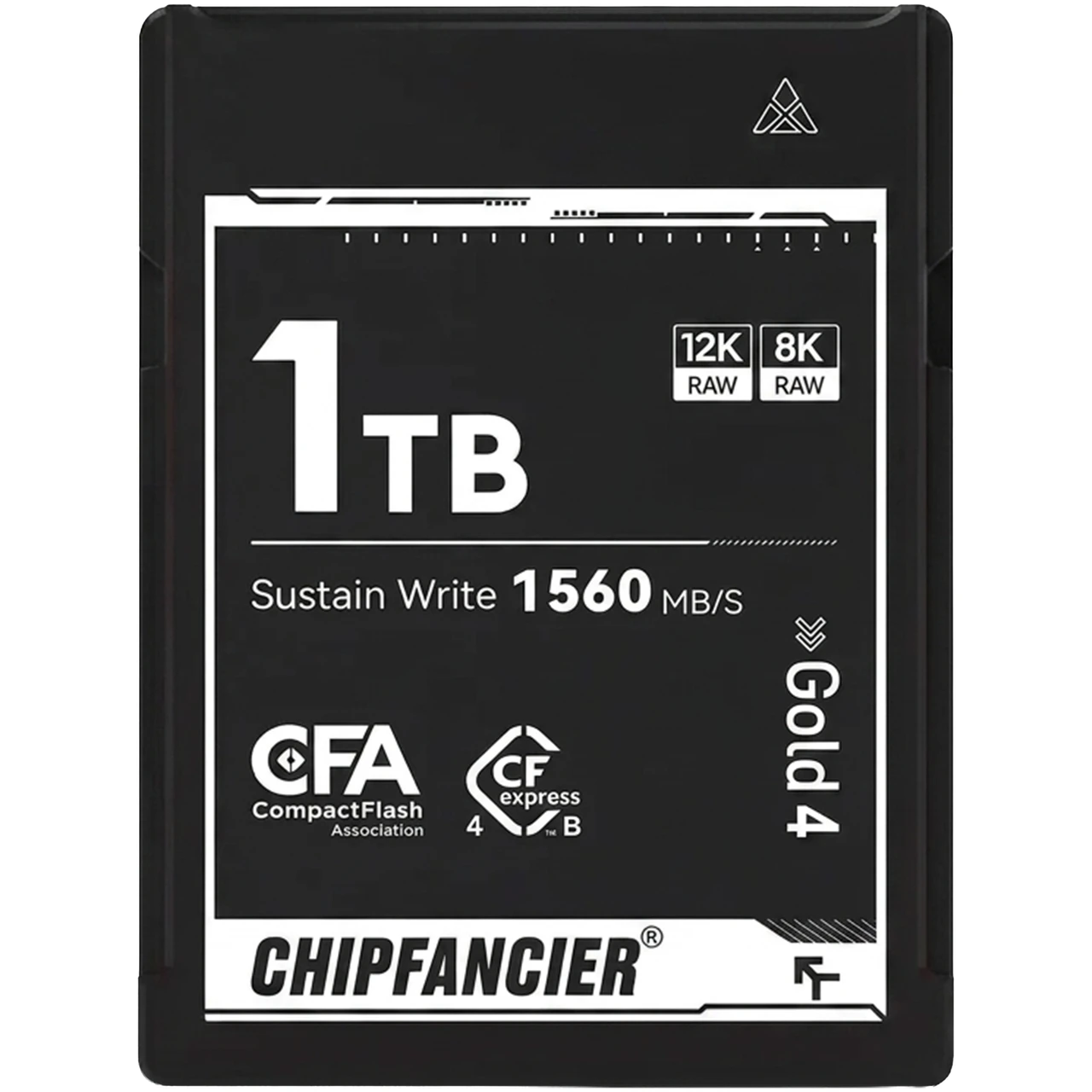
ChipFancier 1TB CFexpress Type B 4.0 GOLD
CFexpress 4.0, up to 3,550MB/s read / 2,920MB/s write. Limited lifetime warranty.
A quick word on the brands we stock

SanDisk
The biggest, most recognised name in memory cards, stocking the broadest range from budget UHS-I cards through to top-tier CFexpress.

ProGrade Digital
Founded in 2018 by veteran Lexar and SanDisk executives. Pro-focused, and frequently priced a little below SanDisk at the same speed and capacity.

Lexar
Long-established and consistently one of the sharpest prices at a given speed tier, a strong pick if budget matters as much as spec.

Angelbird
A smaller, premium Austrian brand known for rugged builds, priced accordingly above the mainstream names.

ADATA
A budget-friendly entry option, currently limited to UHS-I cards up to V30, a fine choice for casual stills and basic video.

ChipFancier
A newer name worth checking first for CFexpress, consistently among the cheapest per GB at 512GB and above, backed by a limited lifetime warranty.